

Days off with your partner on shift work
When one or both of you work a rotation, a normal weekly calendar does not show when you are both free. A rotation repeats every 6, 14 or 28 days, so the days you share move every week. The answer is to put both schedules into one calendar and let the overlap show itself.
This guide shows three ways to do that, starting with the quickest.
1. Add both rotations to your phone's calendar
Your phone's calendar can show more than one calendar at a time, each in its own colour. Put each rotation in a calendar of its own and view them together.
- Open the rotation calendar and pick your rotation, or open its own page from the list of rotations.
- Enter one date you worked. The month fills in.
- Open More and choose Add to my calendar. Your phone downloads a calendar file with two years of shifts, which you can import into your calendar.
- Your partner does the same with their own rotation.
Import each file into its own calendar, one for you and one for your partner, and show both. The days with nothing on them are your days off together. Each shift arrives as its own event, so you can still move or delete one if your roster changes.
2. Send your partner a share link
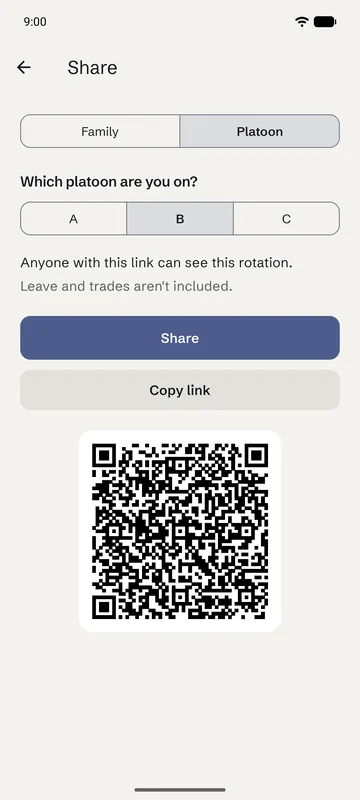
If your partner does not work shifts, they mainly need to see yours. In NightRise you can send them a share link. They can see your dates in any web browser, with no account or app needed. From the link they can add your dates to their own calendar, beside their own plans. The sharing guide explains what the link holds and what stays with you.
3. Look at the year, not the week
Rotations that do not fit the week, like a 48/96 on a 6-day cycle or a 4 on 4 off on an 8-day cycle, line up with a weekday rotation only every 6 or 8 weeks. Two rotations line up again only when both cycles repeat together: a 6-day cycle and an 8-day cycle do so every 24 days.
So plan from a year view. Each rotation page shows the next year at a glance, a row per month, with every day marked. Print a year for each of you and lay them side by side, or put both in your phone's calendar as above and switch to its month view.
Make the most of the days you share
- Look for the long breaks. A 7-day break on DuPont or a 4-day break on a 48/96 is where trips and family visits fit. Find those first, then check whether your partner is free.
- Count rest days as half days. The first day after nights is a rest day. You are off, but you sleep through the morning. Plan an evening, not a day out.
- Mark leave as soon as it is approved. A day of leave can turn a single day off into a long weekend together.
- Check the year ahead before you book. Before you book a holiday or accept an invitation, check both rotations for that date; a 28-day cycle can put you on nights exactly when you expected a weekend off.
When you both work the same rotation
If you are on the same rotation but different crews, you share the same cycle with a fixed offset between you. The overlap repeats every cycle, so once you find it, it stays put. On the rotation pages, the crew picker under More prints your crew letter on each of your shifts, so you can check your calendar against your partner's and see where your days off meet.